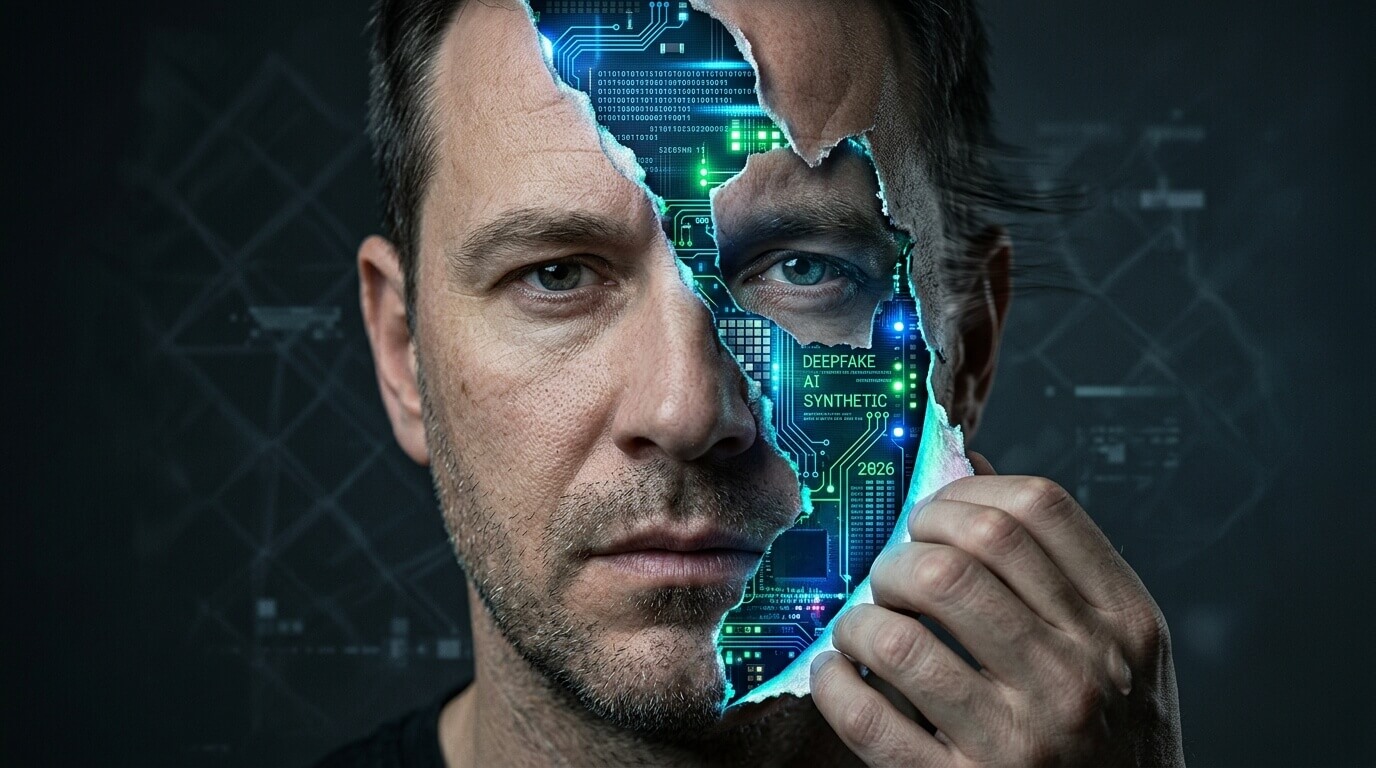
Quick answer: In 2026, no single trick catches every AI-generated video, the technology has improved too fast for that. But a combination of 12 specific visual and contextual clues will catch most of them. Start with these three: watch the hands (AI still struggles with fingers), check whether the camera angle makes logical sense (real videos have real people holding cameras), and ask whether the scenario is physically plausible. Then work through the full checklist below. If something makes you feel vaguely unsettled without being able to name exactly why, that gut reaction is often correct, researchers call this the “uncanny valley” response, and your brain is detecting micro-errors faster than your conscious mind can process them.
AI video generation tools like OpenAI’s Sora 2, Google’s Veo 3, Kling, and Runway ML have made AI video creation faster, cheaper, and more convincing than ever before. Google’s SynthID watermarking system has now marked over 100 billion pieces of AI-generated content. Yet social media platforms still cannot reliably detect or label AI videos, and humans tested on high-quality deepfakes perform only slightly better than random guessing. Your best defense is understanding exactly what to look for.
Why This Got So Much Harder in 2026
Two years ago, spotting an AI-generated video was fairly easy. Missing fingers, melting faces, and nonsensical background objects were dead giveaways. Those obvious failures are much rarer now. Models like Veo 3 and Sora 2 have nearly solved some of the classic tells, lip sync has improved dramatically, facial texture is smoother, and short clips can look indistinguishable from real footage to an untrained eye.
What hasn’t fully improved: physics, logic, and context. AI models learn from patterns in existing video, but they don’t understand the physical world, cause-and-effect relationships, or the social logic of why a particular video would even exist. These gaps are where the tells still live in 2026, you just have to know where to look.
One more important baseline to set: AI video literacy expert Jeremy Carrasco, who runs @showtoolsai on TikTok and has screened video content professionally for years, puts it directly “Missing limbs and fingers just aren’t a dead giveaway anymore.” The tells have moved upstream, from obvious visual glitches to subtler failures of logic and physics.
The 12-Point Checklist: How to Spot an AI-Generated Video
Work through these in order. The earlier items are fastest to check; the later ones require more attention but catch more sophisticated fakes.
1. Ask the Camera Question First
Before examining any visual details, ask one question: who would have filmed this, and why?
Real videos exist because a real person decided to point a camera at something. That decision has logic behind it. Carrasco explains this well: “The main difference between these videos and our real videos is that there isn’t a real person behind the camera. So a lot of the times, the camera movement doesn’t make sense.”
Classic examples that went viral as AI-generated content:
- Dogs saving babies from falling shelves — with a camera perfectly positioned to capture the moment. No parent would set up a static camera at that angle for that specific event.
- Cats jumping on a bed and grabbing a snake from a sleeping person — with a night-vision security camera mysteriously framed at exactly the right angle.
- Pet videos in general, because they show up on everyone’s feeds and require a human to have already been filming at the exact right moment. AI can generate the scene but can’t generate a plausible reason for it to have been filmed.
If you can’t explain why the camera is there and who put it there, be skeptical.
2. Watch the Hands and Fingers Closely
Hands remain one of the most reliable AI tells in 2026, even as faces have improved. The complexity of finger movement, finger interaction, and hand-to-object contact is still genuinely difficult for AI models to render correctly.
Look for:
- Extra or missing fingers — still happens in longer or more complex videos
- Fingers that blend together or appear to merge with held objects
- Hands that move through objects or other people’s bodies rather than interacting with them
- Grip positions that don’t match what the person is supposedly doing
- Finger angles that would be physically painful or impossible
3. Study the Eyes — Not Just the Face
Human faces have over 40 muscles capable of enormous ranges of movement and microexpression. AI renders faces more convincingly than ever, but eyes specifically still carry subtle tells:
- Blinking patterns that are too regular, too infrequent, or happen at odd moments
- Gaze direction that doesn’t track naturally with what the person is supposedly reacting to
- Pupils that don’t dilate or respond appropriately to changes in lighting across the video
- Eye contact that feels unnatural — either too direct and unblinking, or wandering in a way that doesn’t match the scenario
The uncanny valley response is strongest with eyes. If a face looks fine but something about the eyes makes you feel uneasy, trust that feeling your brain is detecting a pattern mismatch faster than you can consciously identify it.
4. Listen for the Uncanny Valley in Audio
Lip sync has improved significantly with tools like Veo 3, but it remains one of the harder problems to fully solve because accurate sync requires matching not just mouth shape to sound, but also jaw movement, cheek lift, chin tension, and subtle eye microexpressions that respond to emotional emphasis.
When checking audio-visual sync:
- Watch the face broadly, not just the lips — does the whole face react to the emotion of what’s being said?
- Listen for breath patterns — AI audio often lacks natural breathing rhythm between sentences
- Check whether the voice matches the person’s apparent age, build, and manner — voice deepfakes are increasingly combined with video fakes
- Notice whether accent and pacing feel genuinely natural or slightly smoothed and artificial
Even a 100-millisecond delay between what you hear and what you see is detectable by the human brain. When something feels off with the speech, replay the video and watch the face rather than the lips.
5. Check Object Physics and Gravity
AI generates video by predicting what pixels come next, based on patterns from training data. It doesn’t simulate physics. That means objects in AI videos can:
- Float or defy gravity in ways that only become obvious when you watch carefully
- Slow down midair without any physical cause
- Pass through walls, furniture, or other people as if they’re ghosts
- Move unnaturally across surfaces — sliding instead of rolling, floating slightly above where they should rest
The “whale jumping” example is famous among AI literacy educators, the animal’s arc defies the weight and physics of a real whale. Your domain knowledge matters here. A rock climber’s ropes that aren’t anchored to anything, surgical equipment that’s wrong, a recipe that doesn’t make culinary sense, these are errors that you, as someone with specific knowledge, are better positioned to catch than a general detector.
6. Watch How People Interact With Objects
This is one of the most distinctive tells in 2026. AI struggles with cause-and-effect between a person and something they’re holding or touching. Watch:
- Does the fork actually connect with the mouth? Eating scenes frequently show utensils that don’t quite reach, or food that behaves impossibly
- Do held objects maintain consistent shape and position? Objects that people hold often morph subtly as the video progresses, especially if the hand moves across the frame
- Does contact produce the right reaction? Pushing a door should move it. Picking up a glass should create a weight shift. These micro-reactions are often missing or wrong
- Does the object interact with the environment? A cup placed on a table should leave a ring, cast a shadow, and make contact at the base. AI often gets these interactions slightly wrong
7. Look for Morphing — Especially Around Boundaries
Morphing where one thing gradually transforms into another in an unsettling way, is a persistent AI video tell. It appears most often:
- Where a person’s body meets a held object (the object blends into the hand or arm)
- In hair edges, especially where hair meets background or clothing
- Between characters when two people are close together or touching
- In backgrounds, where textures gradually shift or repeat unnaturally during camera movement
Morphing is easiest to see at the edges of objects and people, and it becomes more visible as the video progresses. Pay attention to the beginning and end of a clip, if the scene looks fine at the start but slightly wrong by the end, morphing over time is a strong AI indicator.
8. Watch for Nonsensical Small Actions
Real humans perform constant, unconscious micro-behaviors psychologists call “adaptors” tapping a pen, adjusting glasses, scratching an arm, shifting weight. These behaviors exist because real people have bodies, habits, and nervous systems. AI replicates the visual form of these behaviors without understanding why they happen.
Signs of AI-generated adaptors:
- Someone holding a pen in a way that doesn’t match how people actually write or think
- Gestures that don’t correspond to what’s being said or to the emotional content of the scene
- Actions that are performed too deliberately — real unconscious habits are slightly irregular and imprecise
- A conspicuous absence of these small behaviors altogether, real people are never perfectly still
9. Test the Scenario Logic
Beyond the visual details, step back and ask whether the scenario itself makes sense:
- Would this event realistically occur? A perfectly framed miracle animal rescue requires both the miracle and a person who happened to be filming it
- Is the scale right? AI often gets the relative sizes of people, objects, and environments slightly wrong
- Does the setting match the context? A claimed news clip from a specific location should have weather, signage, clothing, and crowd behavior consistent with that location
- Does the emotional reaction of anyone in the video match what’s happening? People in real distressing situations don’t look like they’re performing distress, they look specific and individual
10. Watch Longer Than You Would Normally
Short clips hide AI flaws because there’s simply less time for errors to accumulate. As a video extends beyond 10–15 seconds:
- Facial features may subtly shift — slightly different nose width, slightly different eye spacing
- Physics errors accumulate — what starts as slightly odd becomes clearly wrong
- Audio drift increases — the lip sync that was acceptable at 5 seconds may be clearly off at 30
- The AI’s “smoothness” becomes obvious — real people fidget, glance away, react to their own thoughts. AI produces behavior that’s unnaturally consistent and composed over time
If a video stops abruptly just when it’s getting interesting, that’s sometimes because the clip was generated for the length that stayed convincing.
11. Check the Watermarks — But Don’t Rely on Them Alone
Google’s SynthID has watermarked over 100 billion pieces of AI-generated content with invisible pixel-level signals that are designed to survive compression, cropping, and editing. C2PA Content Credentials an industry standard supported by Adobe, Microsoft, Google, and others can show a tamper-evident provenance record for verified media.
How to check:
- In Google Images or Google Lens, some AI-generated images show a “Created with AI” label when SynthID is detected
- The C2PA Content Credentials icon (a small “CR” symbol) appears on verified media on platforms that support it
- The Gemini app offers a consumer-facing yes/no deepfake detection feature using SynthID
Critical limitation: Missing watermarks do not mean a video is real. Many AI generation tools don’t embed watermarks, older tools didn’t have them, and watermarks can be stripped. Platforms’ labeling of AI content is described by AI literacy educators as “very unreliable” and based more on hashtags and descriptions than actual video analysis. Use watermarks as confirming evidence, not as a definitive test.
12. Use Free Detection Tools — With Healthy Skepticism
Several free and low-cost tools can help flag AI-generated video in 2026:
Tool |
Best For |
Key Limitation |
|---|---|---|
Google SynthID / Gemini |
Detecting Google-generated content |
Only catches Google’s own AI output |
Hive Moderation |
Quick free video analysis |
Less accurate on subtle fakes |
Microsoft Video Authenticator |
News and journalism verification |
Requires upload, not real-time |
Sensity AI |
Enterprise-grade deepfake detection |
Paid, not consumer-facing |
InVID / WeVerify |
Reverse video search and context |
Checks sourcing, not AI origin |
No tool catches everything. Researchers studying deepfake detection note that the system is inherently cyclical: every detection improvement triggers a generator improvement. Think of tools as one layer of a multi-layer verification process, not a replacement for human judgment.
The Real-World Scams Using AI Video Right Now
Understanding detection means understanding what bad actors are actually building. In 2026, the most common AI video scams in the US include:
Investment scams featuring fake celebrity endorsements — synthetic video of Elon Musk, Warren Buffett, or a local news anchor endorsing a cryptocurrency platform. These are the fastest-growing category of AI video fraud. The tell: the “celebrity” is often filmed in an oddly neutral, slightly over-lit setting with unusually composed behavior.
Hospital impersonation scams — AI-generated videos of a person claiming to be in a hospital, asking for emergency financial help. Carrasco describes these specifically: if you send these to a doctor, they’ll immediately notice the equipment is wrong or incomplete. Your own domain knowledge catches what the AI gets wrong.
Executive impersonation fraud (BEC 2.0) — AI video of a company executive in a video call instructing an employee to transfer funds or share credentials. Financial institutions report increasing cases of this category specifically. The tell: video call “executives” often have lighting that doesn’t change naturally, backgrounds that subtly drift, and audio that lacks the environmental ambience of a real room.
Fake news clips — AI-generated footage placed in the visual style of news broadcasts, often showing public figures saying things they didn’t say. Check the C2PA credentials, reverse-search the footage, and verify against multiple news sources before sharing.
What the Platforms Are (and Aren’t) Doing
TikTok’s policy requires creators to label AI-generated content that contains realistic images, audio, or video. YouTube has an AI Detection Tool that classifies content automatically. Spotify is running an AI Transparency Beta for music. Deezer’s detection pipeline flags up to 75,000 AI-generated tracks per day at upload.
But as Carrasco puts it: “The detection seems to be more based on descriptions or hashtags rather than actually analyzing the video. From what I can tell, no social media platform is taking detection or labeling very seriously.”
The result is an environment where platforms have policies, and platforms have detection systems, and neither is reliably catching what’s actually circulating. Your personal detection skills remain the most reliable filter you have.
Frequently Asked Questions
What is the easiest way to spot an AI-generated video in 2026? Ask the camera question first: who would realistically have filmed this, and why? Then check the hands. Fingers, hand-to-object interactions, and grip positions are still the most reliable visual tell in 2026, even on otherwise convincing deepfakes.
Can AI-generated videos fool experts? Yes. Studies from 2025–2026 show that humans tested on high-quality deepfakes perform only slightly better than random guessing. Even trained professionals struggle with the best current AI video. This is why a multi-signal approach, visual clues plus context plus tools is more reliable than relying on any single method.
What is the uncanny valley and why does it matter for deepfake detection? The uncanny valley is the feeling of unease people experience when something looks almost human but not quite. Your brain detects micro-errors in eye movement, timing, and expression faster than your conscious mind can process them. If a video makes you feel vaguely unsettled without being able to say exactly why, that gut response is often correctly detecting AI-generated content.
Are AI watermarks reliable for detecting deepfakes? Partly. Google’s SynthID has watermarked over 100 billion pieces of content, and C2PA Content Credentials can show provenance history. But watermarks are only present if the generating tool embedded them, they can be stripped, and missing watermarks are not evidence that a video is real. Watermarks confirm AI origin when present; they can’t rule it out when absent.
What should I do if I think I’ve seen a deepfake being used in a scam? Don’t share it. Report it to the platform using the “report” function and select misinformation or fraud. If it involves a financial scam, report it to the FTC at ReportFraud.ftc.gov. If it involves impersonation of a public figure, some states have deepfake-specific laws check your state’s attorney general website for current guidance.
Is there a free tool I can use to check if a video is AI-generated? Yes, several. The Gemini app offers consumer-facing SynthID detection for Google-generated content. Hive Moderation offers free video analysis. InVID/WeVerify helps with reverse video search and sourcing. None of these catch everything they’re most useful as one layer of a broader verification process, not a standalone test.
Can my domain expertise help me spot deepfakes? Absolutely and often better than general detection tips. AI gets domain-specific details wrong consistently: medical equipment in hospital scam videos, rope safety in climbing footage, weapon handling in military footage, architectural details in location-specific scenes. Whatever you know deeply, apply that knowledge to what you’re watching. Your specialist eye catches errors that a general viewer would miss.
Will deepfakes keep getting harder to spot? Yes. The detection landscape in 2026 is described by researchers as a cyclical arms race, every detection breakthrough is followed by a generator improvement. The practical implication is that critical thinking about context, camera logic, and scenario plausibility will remain more durable than any specific visual tell, because those contextual checks exploit AI’s genuine lack of understanding about the physical and social world, not just its visual output quality.
The Bottom Line
The most reliable deepfake detector in 2026 isn’t a tool or an algorithm, it’s a trained, skeptical human who asks the right questions before believing what they see. Visual tells like hands and eyes still work. Physics failures are still detectable. But the most durable skill is the simplest one: asking why this video exists, who would have filmed it, and whether the scenario makes logical sense in the real world.
AI can generate convincing pixels. What it still can’t generate is a plausible reason for a camera to be in exactly the right place at exactly the right moment to capture something unbelievable. Start there, and you’ll catch more than any single detection tool can.