Quick answer: You detect an AI-generated photo by checking seven specific areas in this order: the eyes’ catchlight reflections, any text visible in the image, hand and finger anatomy, shadow direction consistency, background edge coherence, skin texture at high zoom, and finally the image’s source and context. No single check is enough on its own. When three or more signals point the same direction, you have your answer. Start with the eyes, it is the fastest reliable check available in 2026.
Humans correctly identify high-quality AI images only 55% of the time, barely above random guessing, according to a 2024 meta-analysis of 56 peer-reviewed studies. For high-quality deepfake video, that accuracy drops to just 24.5%. In January 2026, millions of people shared AI-generated images of Venezuelan President Nicolás Maduro’s “capture” images that were completely fabricated. A fake Pentagon explosion image briefly triggered a stock market dip. AI images now power fraud, election interference, romance scams, and fake news at a scale that makes detection a life skill, not a tech hobby.
Here’s exactly what to look for, with a demonstration video under every method.
Why This Got So Much Harder in 2026
The obvious tells of 2022 are mostly gone. Six-fingered hands, melting faces, and obvious background chaos were easy. Midjourney v6, DALL-E 3, and Flux 1.1 have largely patched those problems. Basic finger counts are now often correct. Foreground faces are convincing. Text in images has improved substantially.
What hasn’t changed: these generators predict pixels, they don’t photograph reality. They don’t understand physics, lighting geometry, or how real eyes catch light. Every method below exploits that fundamental gap between simulation and reality.
As EyeSift’s forensic analysis team concluded after testing 2026-era models: “The 2022 checklist of ‘look for six fingers and strange hands’ is outdated as a standalone method. The 2026 approach requires more targeted zooming, context-specific checks, and mandatory tool augmentation.”
The 7 Methods to Detect an AI-Generated Photo
1. Check the Eye Catchlight Reflections
This is the single fastest and most reliable visual check in 2026 — and almost nobody uses it.
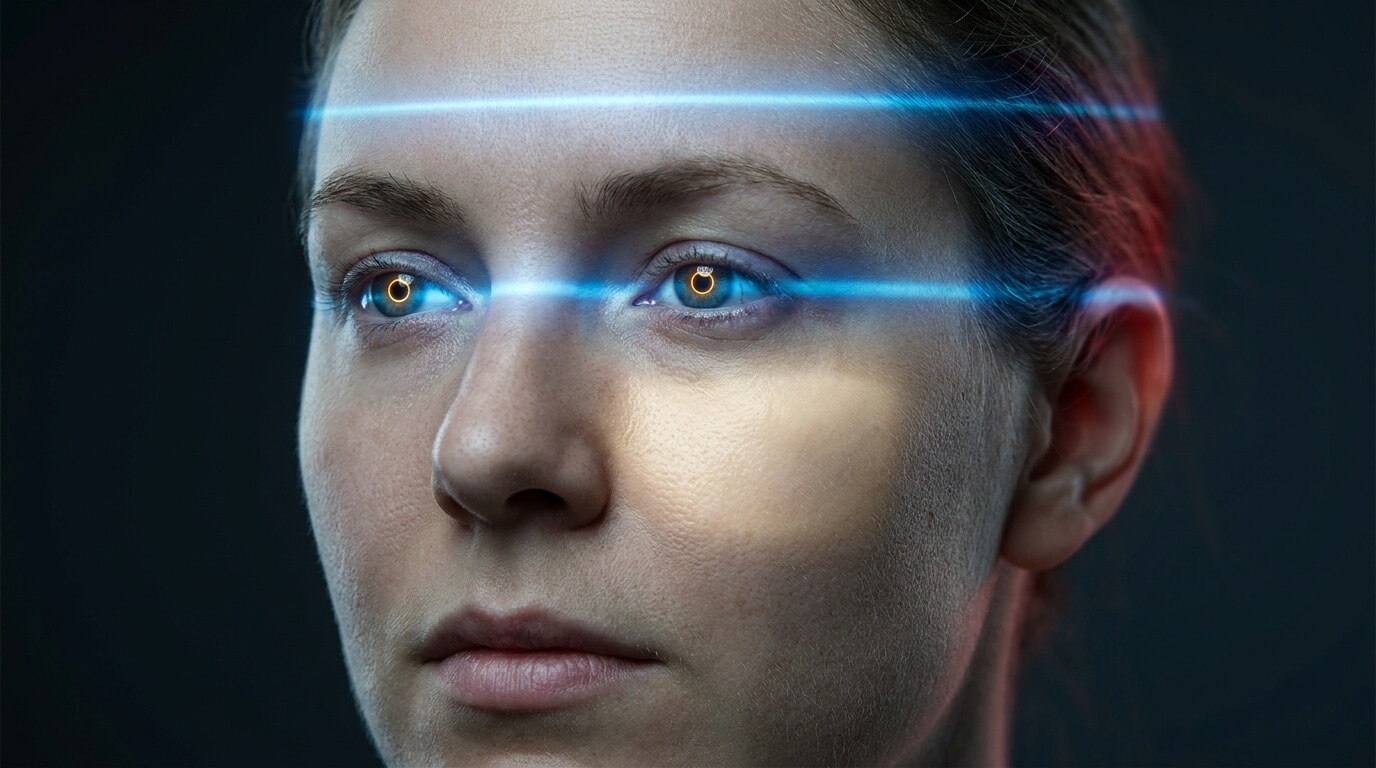
Catchlights are the small bright reflections of light sources visible in the eyes of any photographed subject. In a real photograph, both eyes reflect the same physical light source. The catchlights should be mirror images of each other in shape, relative position, and brightness.
AI generators render each eye semi-independently. They produce catchlights that look realistic in isolation but fail the mirror test — the shape or position differs subtly between left and right eye.
How to use this check:
- Zoom to at least 200% on a high-resolution image — social media thumbnails are too compressed
- Compare the catchlight in the left eye to the right eye — shape, position, and angle should mirror precisely
- Check whether the catchlight’s apparent light source matches the lighting visible in the background
- An outdoor overcast scene should not show a hard rectangular window reflection in the eyes
EyeSift’s 2026 guide specifically named eye catchlight geometry as one of the six most reliable detection signals available against even the most current AI models.
2. Read Every Piece of Text in the Image
AI generates text by predicting what text looks like, not by rendering actual letters.
This produces one of the most reliable detection signals still available in 2026. Signs, labels, banners, name badges, book spines, storefronts, protest placards, and any written content in the image often reveal themselves at full resolution.
What AI text looks like at close zoom:
- Plausible letterforms that don’t form real words — each letter looks like a letter but the combination is nonsense
- Text that looks readable from a distance but dissolves into abstract patterns when zoomed
- Inconsistent letter sizing within a single word, characters of different heights or weights in the same label
- Different garbled content if you run the same AI prompt twice, the text shifts because it was never a real word
The check caught the famous fake Pentagon explosion image, the building’s architectural lettering dissolved into visual noise at full zoom while the “explosion” itself looked convincing.
3. Examine Hand and Finger Anatomy at Zoom
Hands are harder to fake than in 2022 — but they are still not fully solved.
The famous six-fingers problem is now rarer with current models. Basic finger counts are often correct. What hasn’t been fixed is contextual hand anatomy, the way a hand actually grips something, the knuckle topology under tension, and the anatomically correct placement of fingernails.
What to look for in 2026:
- Grip geometry — does the hand’s grip match the object’s shape and size? A cylindrical cup requires specific finger curvature that AI often gets subtly wrong
- Knuckle topology — under gripping pressure, knuckles show specific bone structure that AI often smooths or distorts
- Fingernail placement — nails should appear only on the dorsal surface of the fingertip
- Only check prominent hands — background hands at low resolution are not useful for this test
EyeSift specifically notes: check hands only in high-resolution images where the hand is prominent in the frame.
4. Test Shadow Direction Consistency
Real light comes from one source. AI renders each region of an image somewhat independently — and the shadows reveal it.
In any real photograph taken in consistent lighting, every shadow in the scene points in the same direction. AI generators optimize each region for local coherence, and shadows are where that regional independence breaks down.
What to look for:
- Shadows pointing in different directions on different objects within the same scene
- Specular highlights on skin, glasses, or metal that don’t reflect a consistent environment
- Indoor scenes where the shadow angle on a face doesn’t match the shadow from a nearby object
- Shadows that exist without a logical light source — darkness appearing in a corner with no geometry to explain it
This check works best for indoor or studio scenes with distinct light sources. Soft overcast outdoor lighting is less useful because it produces diffuse shadows with less directional constraint.
5. Look for Background Edge Coherence
Real cameras blur backgrounds through physics. AI blurs backgrounds through prediction — and the difference is visible at the edges.
Real depth-of-field blur follows the physics of lens optics. AI generators apply a softening effect that looks like blur but doesn’t follow real lens geometry.
What to look for at the subject-background boundary:
- Abrupt artificial transitions from sharp foreground to blurred background, not the smooth fall-off of real optics
- Hair or fine edge detail that dissolves into the background rather than being surrounded by properly blurred space
- Bokeh patterns that don’t match any real aperture, perfectly round, uniformly distributed
- Background objects that blur into abstract texture at their edges rather than remaining geometrically coherent with reduced sharpness
This check is easier to see when you zoom to the edges of the main subject in a high-resolution image.
6. Check Skin Texture at High Zoom
Real skin is imperfect. AI skin is too smooth — especially at high magnification.
At normal viewing size, AI-generated skin looks convincing. Zoom to 200–300% and the over-smoothness becomes apparent.
Real skin photographed under quality conditions shows:
- Fine hairs on cheeks and jaw
- Pore structure — small, irregular, distributed randomly across the surface
- Subtle color variation from capillary patterns and natural tone shifts
- Minor blemishes and texture marks
AI skin at high zoom shows:
- Porcelain uniformity — consistent texture with no irregular features
- Missing fine hair on cheeks and jaw even in male subjects
- Color that is too even — no capillary detail, no subtle tonal variation
- Pore patterns that repeat — a tiling texture rather than random biological distribution
Use this as a supplementary check, not a primary one, post-processing in genuine photos can also produce over-smooth skin.
7. Check the Source — Context Catches What Eyes Miss
The most reliable AI image check doesn’t examine the image at all — it examines where the image came from.
Sam Gregory of the nonprofit Witness, which trains people to use technology to document human rights abuses, offers the most important single piece of advice: “Instead of going down a rabbit hole trying to examine images pixel-by-pixel, slow down and consider what you’re looking at especially pictures that trigger your emotions.”
The SIFT method, Stop, Investigate the source, Find better coverage, Trace the original context:
Step 1 — Run a reverse image search:
- Right-click any image and select “Search image with Google” in Chrome
- TinEye and Bing Visual Search are useful secondary options
- If the image appears on AI art platforms with different claimed origins, that is your answer
Step 2 — Check the EXIF metadata:
- Windows: right-click → Properties → Details tab
- Mac: open in Preview → Tools → Show Inspector → Exif
- Complete EXIF data with a real camera model is a positive authenticity signal
- Missing EXIF is NOT evidence of AI — most social platforms strip metadata automatically
Step 3 — Ask if other coverage exists:
- A real news event produces multiple photographs from different angles and photographers
- A fabricated event has only the AI-generated images, because nothing happened to photograph
Step 4 — Check your emotional reaction:
- As Gregory warns: “Something seems too good to be true or too funny to believe or too confirming of your existing biases — people want to lean into their belief that something is real”
- The images most likely to go viral are the ones triggering the strongest emotional response, which is exactly what they were designed to do
Real-World AI Images Circulating in 2026
The Nicolás Maduro “capture” images (January 2026) — Social media was flooded with AI-generated images of the Venezuelan president being arrested. They blended with genuine political coverage and confused millions of viewers worldwide. The tell: reverse image search showed the images appearing on AI generation platforms before any news organization reported the event.
The Pentagon explosion image — A fabricated image of an explosion near the Pentagon spread on social platforms and briefly triggered a measurable stock market dip before being debunked. The tell: building text dissolved into nonsense at full zoom, and architectural details didn’t match the real building.
Election deepfakes across 38 countries — Recorded Future documented 82 high-profile AI impersonations across 38 countries between July 2023 and July 2024. Deepfake attempts rose 303% around US primary elections. The tell in many cases: shadow direction inconsistencies and catchlight mismatches visible on close inspection.
Romance and financial scams — AI-generated profile pictures of attractive strangers are now the entry point for online fraud at scale. The tell: these faces often lack natural aging signs, have unusual ear geometry, and background edges that dissolve at zoom.
Fake journalist accounts — AI-generated faces give credibility to disinformation accounts, creating apparent human identities behind bots. The tell: no appearance of the face in any other context, missing EXIF, and catchlight mismatches on close inspection.
Free Tools: What Works and What Doesn’t
Tool |
Best For |
Accuracy |
Key Limitation |
|---|---|---|---|
Hive Moderation |
Standard generator detection |
~94% uncompressed |
Drops 10–15% after social media compression |
Google SynthID |
Google-generated content |
High for Google tools |
Only catches Google AI output |
EyeSift Image Analysis |
Multi-method free scan |
Solid for most generators |
Requires upload, not real-time |
AI or Not (Optic.ai) |
Quick free checks |
Good on standard generators |
Less accurate on fine-tuned models |
Google Reverse Image Search |
Source verification |
N/A — context check |
Doesn’t detect AI, reveals misuse |
Jeffrey’s Exif Viewer |
EXIF metadata inspection |
Definitive on metadata |
Only useful if metadata is present |
The honest truth: No automated tool catches everything. After social media compression, accuracy drops 10–15 percentage points across all tools. The professional workflow recommended by GIJN (Global Investigative Journalism Network) for fact-checkers combines: EXIF inspection first, then one automated detector, then reverse image search, then targeted visual checks on eyes, text, and hands. All layers together outperform any single method by a wide margin.
Frequently Asked Questions
How accurate are humans at detecting AI-generated images? A 2024 meta-analysis of 56 peer-reviewed studies found average human detection accuracy at just 55.54%, barely above random chance. For high-quality deepfake video, that drops to 24.5%. People consistently overestimate their ability because current models are specifically optimized to produce images humans find visually coherent and natural.
What is the single fastest check for an AI-generated photo? Check the eye catchlights at 200% zoom. Compare the catchlight shape and position in the left eye versus the right eye, they should mirror each other precisely. AI generators render each eye semi-independently, producing mismatched catchlights that reveal the image’s origin faster than any other visual check.
Does missing EXIF metadata mean a photo is AI generated? No, this is one of the most common misconceptions. Instagram, X, Facebook, and most social platforms automatically strip EXIF metadata from every image uploaded. Millions of authentic photographs circulate without any metadata. The useful check runs the other direction: complete, physically plausible EXIF data with a real camera model is a positive signal of authenticity.
Can AI images be detected after social media compression? With reduced accuracy. Tools that achieve 80–94% accuracy on uncompressed images drop 10–15 percentage points after JPEG compression from social platforms. Visual checks on eyes, text, and skin texture also become less reliable as resolution drops. The source-checking workflow — reverse image search plus context verification, remains equally useful regardless of compression.
Is it legal to share AI-generated images without disclosure in the US? The TAKE IT DOWN Act (signed May 2025) addresses non-consensual intimate imagery but not broader AI image misuse. Several states have enacted AI disclosure laws for political advertising. The EU AI Act (2024) requires disclosure when content is artificially generated. For non-political, non-intimate use, US federal law currently imposes no general disclosure requirement — though FTC regulations on deceptive advertising apply to commercial contexts.
What image types are hardest to detect as AI generated? Nature and landscape images are among the hardest — AI handles natural scenes without human subjects extremely convincingly. Aurora borealis images, animal photography, and scenery without architectural text or human hands offer few footholds for visual detection. For these, the source-checking workflow is more reliable than visual inspection.
What should I do if I find an AI image being used to spread misinformation? Don’t share it. Report it to the platform using its misinformation reporting tool. For election-related deepfakes, contact CISA at cisa.gov. For financial fraud involving AI images, report to the FTC at ReportFraud.ftc.gov.
Will AI images keep getting harder to spot? Yes, but not uniformly. Visual inspection is becoming less reliable as models improve. Source-checking and contextual verification remain durable because they exploit real-world logical constraints no image generator can fake, asking whether a scenario is plausible, whether other documentation of the event exists, and where the image first appeared will never go out of date.
The Bottom Line
The 2022 guide to spotting AI images “look for six fingers and melting faces” is largely obsolete. Current models have patched those obvious tells. What remains are subtler signals requiring deliberate attention: eye catchlights that don’t match between left and right, text that dissolves into nonsense at full zoom, grip geometry that doesn’t match the physics of holding an object, shadows pointing in different directions in the same scene.
But the most durable detection skill is not visual at all. It is the habit of stopping before sharing, running a reverse image search, and asking whether the scenario depicted has any documentation outside this single image. AI can generate convincing pixels. What it cannot generate is a plausible explanation for why no photographer was there to capture a real event from multiple angles.
Start with the eyes. End with the source. Use the five methods in between when either check leaves you uncertain.